

The growing trend of working from home and hybrid work schedules has made the home office more important than ever. But crafting a functional, modern office isn’t about copying a trendy setup you saw on Instagram or TikTok, or simply buying the most expensive desk you can find.
The goal should be to create a comfortable space that helps you focus and work efficiently, day after day. Everything else about your home office should revolve around helping you achieve that goal.
Below, we’ll walk through seven practical, real-world tips to help you design a home office that looks clean, has modern functionality, and supports how you actually work. By the end, you’ll be equipped to take the next steps in your home office furnishing project. Let’s go!
Step 1: Start With How You Plan to Use the Space
Before choosing furniture or décor, ask yourself a few honest questions:
- How many hours a day will I use this space?
- Do I require desk space for writing, or just enough space for my laptop / desktop?
- Do I work mostly from a laptop screen, or do I need multiple monitors?
- Will I take video calls regularly?
- Do I need storage for paperwork or office supplies?
Remember, a functional office should address your pain points and solve your problems — not create new ones. Someone working from home full-time may require a very different home office setup than someone using a home office to work part-time, answer emails, browse online, pay bills or do other household tasks.
Step 2: Choose the Right Desk (Size Matters More Than Style)
Whether you’re looking at grand executive desks or modest writing desks, the desk itself should be the foundation of your office. While modern desks often feature clean lines and minimal designs, function should always come first. After all, desks are meant to be functional furniture, first and foremost.
Key Things to Look For:
- Fits in the physical space you have available in your home office
- Enough desk surface space for your computer, keyboard, and work materials
- A height that works well with your chair and allows for plenty of legroom (or is variable-height / adjustable, if possible)
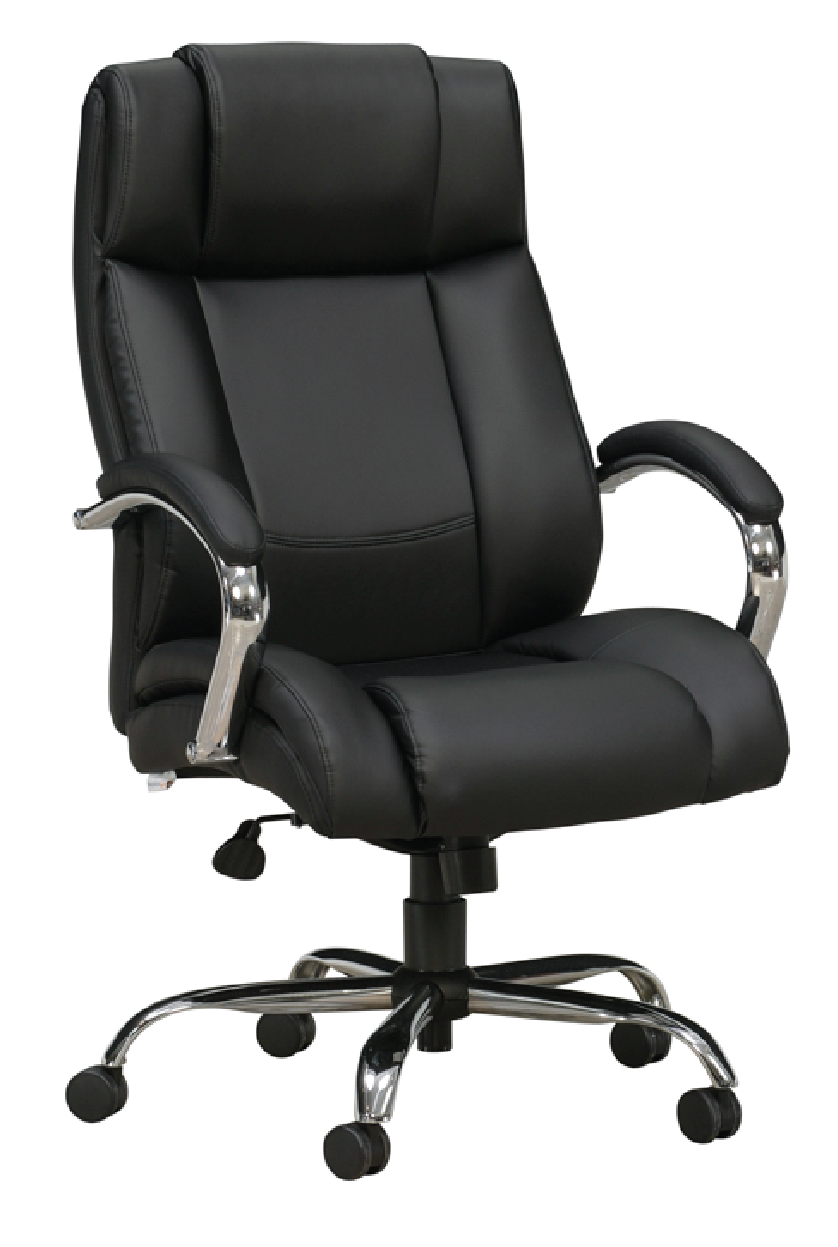
If your room is small, a compact desk or wall-friendly design can keep the space feeling open. If you spread out while working, a wider desk may help reduce clutter and frustration.
Step 3: Invest In a Chair You Can Sit In All Day
This is another one of those areas where function (i.e. comfort) often matters more than appearance. Thankfully, there are plenty of modern office chairs on the market that offer a balance of both.
A functional modern office doesn’t feel very functional when your back hurts. At bare minimum, an office chair or desk chair should:
- Support your lower back
- Allow your feet to rest flat on the floor
- Let your arms relax at desk height
Even if you opt for increasingly popular variable height desks or adjustable height desks that allow you to work while standing, we still recommend an office chair for those moments where your weary feet need a break.
Step 4: Pay Attention to Your Room’s Lighting (Natural + Overhead + Task Lighting)
Working in too dim of a space can make it hard to see what you’re doing, and can make your screens seem too bright. Meanwhile, too much bright light can wash out your screens or cause glare. The presence of either too much light or too little light can cause eye strain and hamper your productivity.
Best Practices:
- Use warm lighting to reduce eye strain (as opposed to harsh fluorescent lighting)
- Overhead lighting alone is rarely enough, try for a blended approach to lighting your office that includes natural lighting, overhead artificial lighting and dedicated task lighting
- Utilize natural light if possible, but be sure to use curtains or blinds, or purposefully position desks and workstations to avoid glare on screens
- Add a well-placed desk lamp or floor lamp to make work sessions much easier on your eyes
Remember, lighting affects both mood and productivity. That’s why it’s important to strike the right balance.
Step 5: Keep Your Office Layout Simple and Intentional
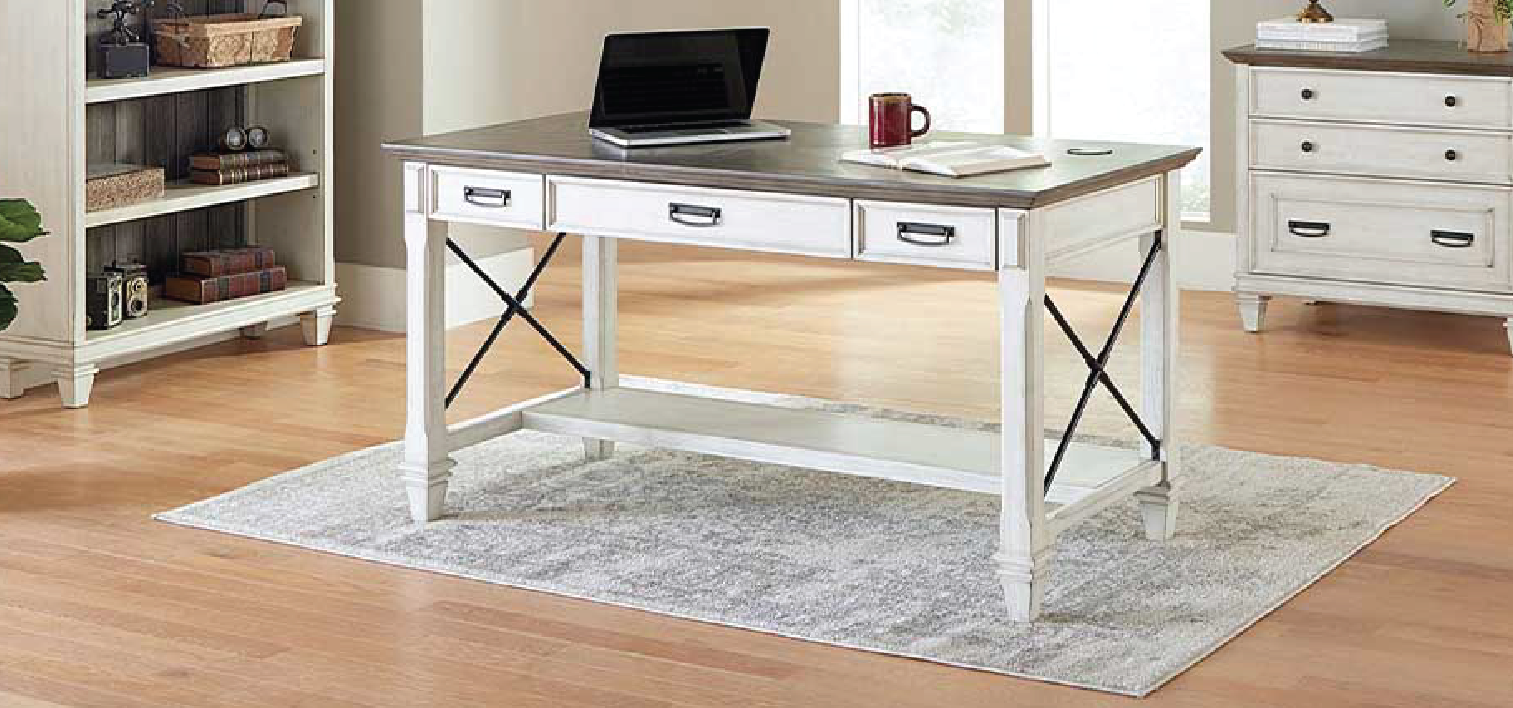
Modern home offices should feel calm, functional, and uncluttered — and that usually comes down to being intentional with both the layout and the items you keep in your workspace. Instead of filling the room with non-essential furniture or accessories, focus on storage and tools that support the way you actually work.
This might include:
- A small filing cabinet or drawer unit
- Shelving for items you use regularly or want to display
- Hidden storage for office supplies and paperwork
- A monitor stand to bring screen(s) to eye level
- Cable management to reduce visual clutter
- Docking station and/or USB hub for easier laptop setup and device charging
Technology should also make your setup easier, not more distracting. Seemingly small details like monitor stands, docking stations, charging hubs, or cable management can go a long way in making your office feel cleaner, more ergonomic, and easier to use on a daily basis.
Ultimately, if something doesn’t serve a purpose or support your workflow, it probably doesn’t need to live in your office.
Step 6: Add Personality — But Don’t Overdo It
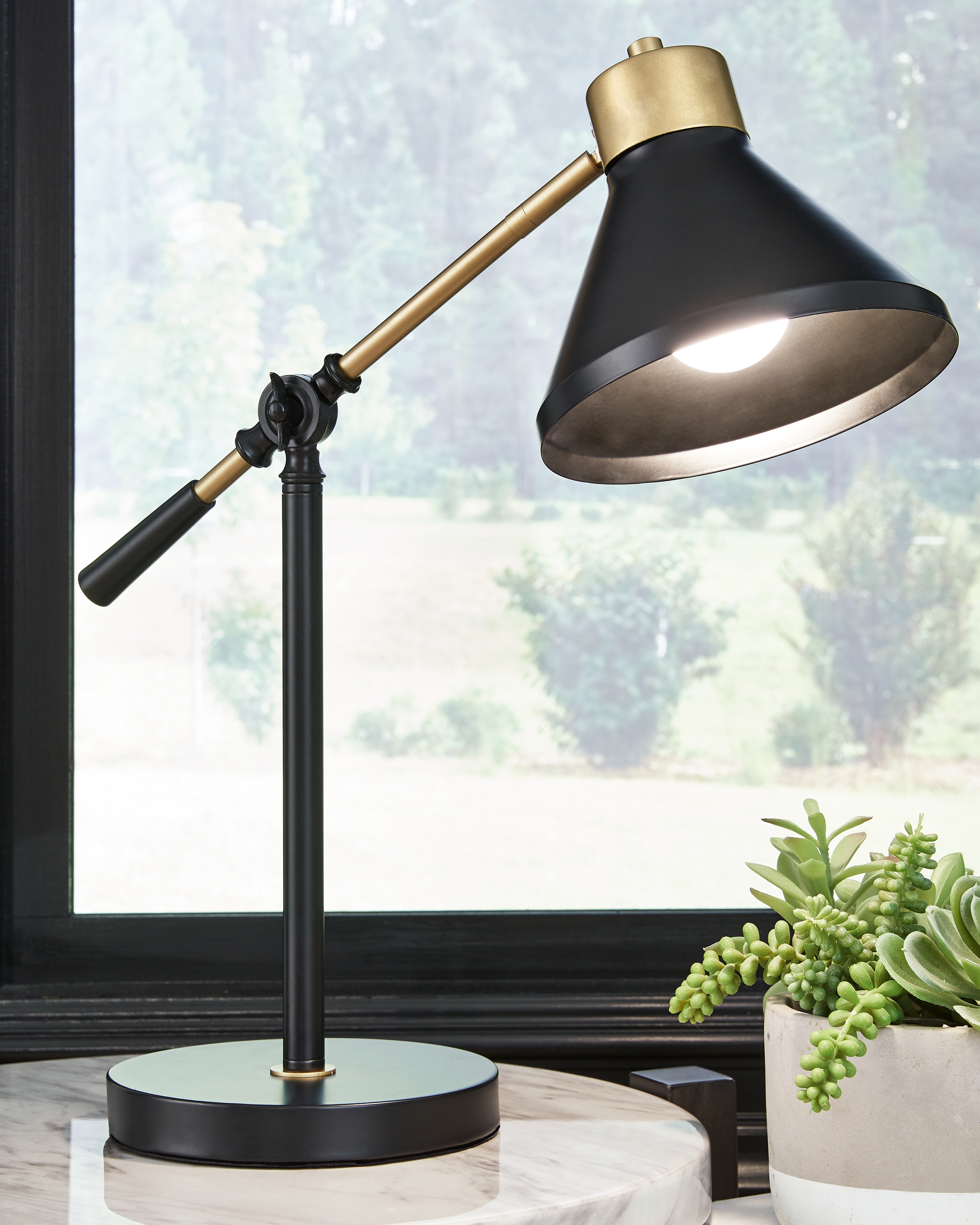
Your home office doesn’t have to feel sterile. But neither should it be a space full of unnecessary distractions. As with a couple other items on today’s list of home office tips, it’s all about finding the right balance.
Consider the following:
- A houseplant or two (real, or artificial for lower maintenance)
- Framed photo(s) or a thought-provoking piece of art
- Neutral-colored décor items with one or two accent colors
- Unique-to-you décor items specifically meant to inspire creativity or motivate productivity
The goal is a space that feels professional and personal — somewhere you actually want to spend time.
Step 7: Think Ahead to Video Calls
Finally, even if your office works well for you, it is worth considering how it looks on camera — especially if you’re one of the millions of people frequently using Zoom, Microsoft Teams, Google Meet, or some other virtual meeting platform on a daily basis. Your desk placement, lighting, and what’s behind you all play a role in how professional you appear during virtual meetings.
We’ll be diving deeper into this topic soon in a dedicated guide on creating the perfect home office background for Zoom, Google Meet, Microsoft Teams, and other video calls, which we’ll link here in the near future.
Remember, A Modern Home Office Should Work for You
A functional, modern home office isn’t about chasing the latest technological or remote work trends. It’s about supporting how you work and keeping distractions to a minimum. Start with the basics. Focus on how you actually use the space and build from there. And if you ever want to test desks, chairs, or other home office furniture in person, having a knowledgeable guide can make the process much easier.
When you’re ready, we’re always happy to help you think through what will work best for your space and your routine — no pressure, just honest guidance. Feel free to swing by any of our North Georgia and Atlanta area furniture stores, or drop us a line on our convenient live chat today. See you soon!